|
Call Today!
|
| Follow Us |  |
 |
 |
 |
 |
 |
|
|
Call Today!
|
| Follow Us | |
|
|
|
|
|


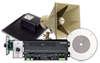
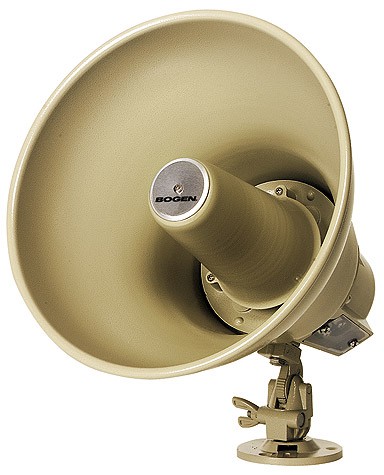
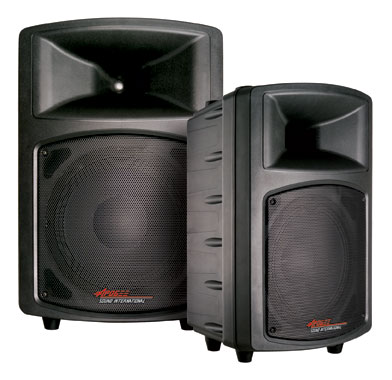
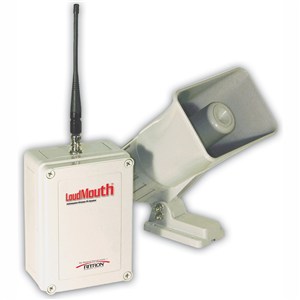
A-series Outdoor Weather Proof Paging System Speakers set the standard for smooth acurate sound, attractive appearance, contant and reliable high-performance, and rugged construction. Designed to perform beautifully under the toughest conditions, the A-Series combines outstanding aesthitic design with patended speaker technology for unsurpassed audio quality and weatherproof durability, ideal for music or paging.
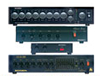
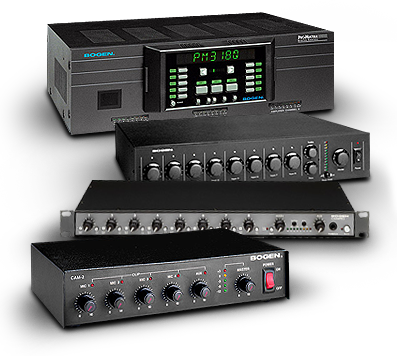
SHOP NOWZone Audio Amplifiers and paging mixers were developed expressly for the needs of restaurants, lounges, fitness centers and other venues that require numerous input sources but have areas with distinctly different audio requirements.
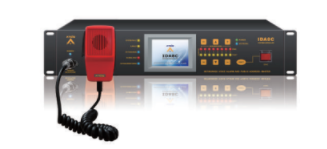
SHOP NOWBogen provides school intercom systems for both large and small schools and school districts. Cost-Effective communication with 25 staff stations. System features Intant Emergency Communications to all rooms as well as remote emergency paging capabilities.
SHOP NOWVoIP paging gateways allow overhead paging communications to be sent over the Internet or Intranet. Bogen’s VOIP gateways are available in models ranging from 1 to 8 ports.
START NOWApplication Design Service was developed to assist with the design of paging systems for any and every project encountered. It’s fast, comprehensive, and FREE. So let us design it for you!
START NOWPlacing an order with Telcom-Data is quick, easy, and most importantly secure.
Follow these steps to complete your electronic order:
Adding an item to the cart:
Once you have located an item you would like to purchase, simply enter in the quantity, and click on the "Add to Cart" button on Product Detail page which is located at the bottom of the page. If you do not enter a number in the Quantity box, it defaults to "1".
When you are finished adding items to your Shopping Cart, click the 'view cart' link to begin your telcom-data.com ordering process.
Changing Item Quantities:
If you wish to buy multiple quantities of an item you have placed in your Shopping Cart, change the number in the "Quantity" box and click the "Add to Cart" button to reflect the chage.
Deleting Items:
If you wish to delete an item, just check the Delete Check Box. Your cart will be automatically updated.
Completing Your Online Purchase:
When purchasing telcom-data.com products online, Secure Online Ordering is enabled once you click the "Submit" button. This link will direct you to a secured area where your online order will be completed.
You can also purchase by calling 800-335-0229.
We accept Purchase Orders and Government Purchase Cards. For Federal Government orders our CAGE number is 3DVG4.